
Add one product with colours and sizes
A name, a price and how many you have is all Bizic needs. Add a photo, a colour, a size or a category if you like. The till can sell it the moment you save.
Before you start
Adding lots of products at once? Bring them in from a spreadsheet instead. It's much quicker.
Add it
Open More and tap Products, then New product.
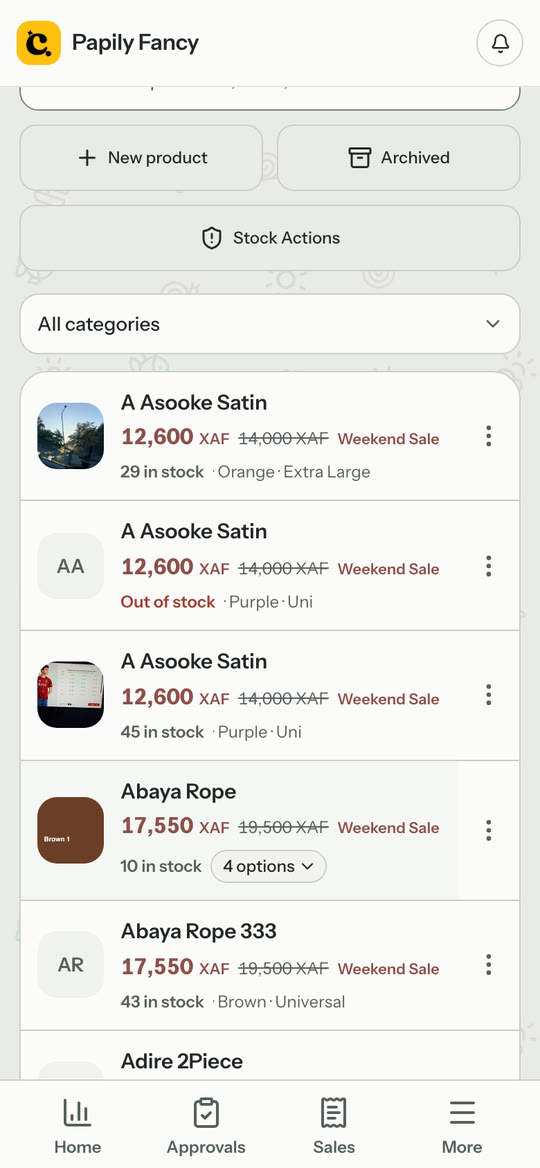
The New product button on Products Tap Photo to take or choose a picture, if you have one. Customers and staff will recognise it faster.
Type the Name, the Price you sell it for, and How many? you have in this shop.
Typing the name, price and how many, then opening More options Tap More options for the rest. Leave anything you don't need: - Colour and Size, for this exact item - Category, so it's easy to find at the till and in your online shop - Supplier, if you buy it from someone regular - Sold by: by the piece, or by the metre, kilo or litre - Barcode, if it already has one: scan it or type it - Product code: leave it empty and Bizic makes one for you, like LS-0001
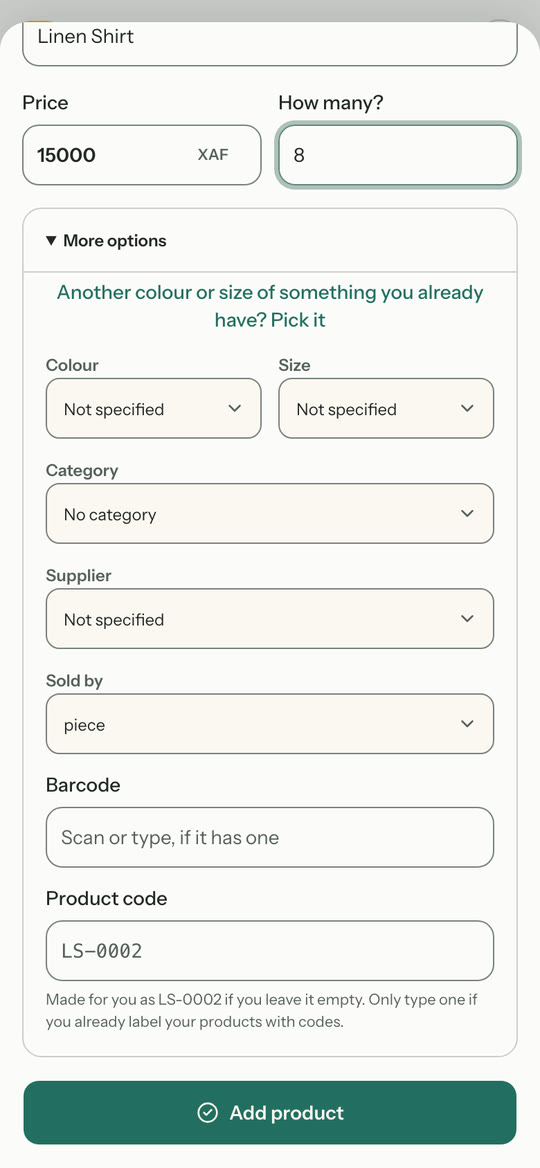
More options: colour, size, category, supplier, sold by and codes Tap Add product. That's it: it's in your products and ready to sell.
Saving the product
Another colour or size
Already have this product in another colour or size? Open More options and tap Another colour or size of something you already have? Pick it. Choose the product, then set the new colour or size. Bizic keeps them together as one product with options, so the till and your online shop show them side by side.
Added the same product twice?
On Stock, Bizic shows possible duplicates: products with nearly the same name. Open it, and for each one tick the products that are really the same, then tap Yes, one product with variants. Each colour and size keeps its own stock and price.
If two of them have the same colour and size (say Blue / Medium in both), Bizic asks how many you really have:
Different pieces, add them together: 1 + 1 becomes 2 in stock.
The same pieces, entered twice: the higher count stays, so 1 and 1 stays 1.
The extra copy is put away with its sales history, and the stock count shows the move. Not right afterwards? Count that item on Stock to set the true number.
Last change, 18 November 2026: New section on joining a product you added twice, even when both have the same colour and size.
Still stuck?
Tell us what you were trying to do. A real person reads every message.