
Keep selling when the internet drops
No signal? Your products and the till still open from what your phone saved, and cash sales are kept on the phone until the connection comes back.
Before you start
Open Bizic once with a connection after you sign in. A few seconds later it quietly saves your products, prices and stock on the phone, so they are there when the signal goes.
When the signal goes
At the top of the screen, Offline shows. The menu keeps only the pages that work without a connection.
Open Products or the till. A line at the top says Offline, and when the list was last updated, like "Showing products and prices as saved today at 07:34 PM".
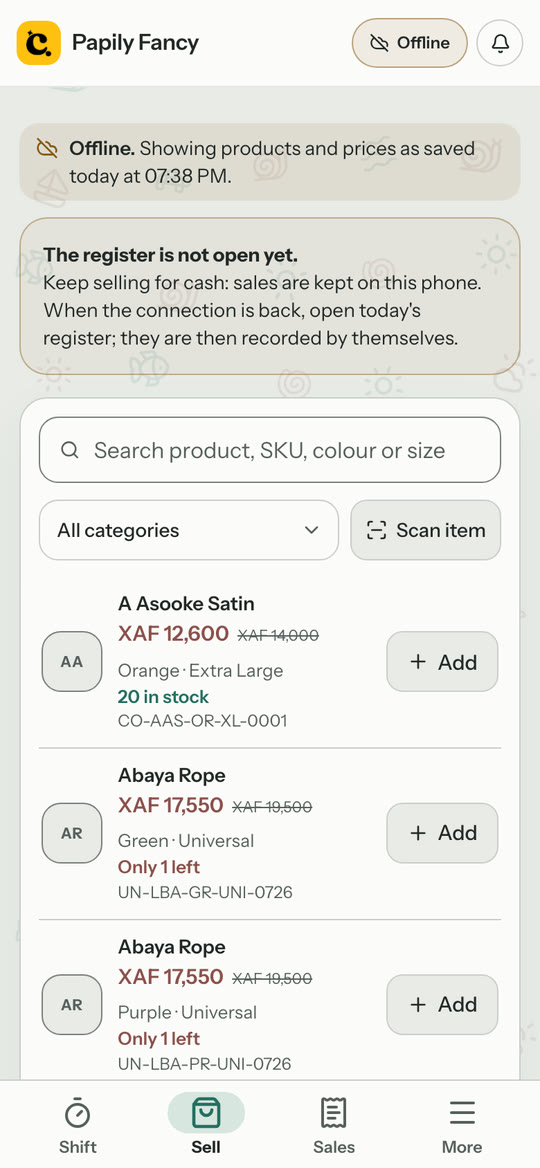
The till with no connection, showing when the products were saved Sell as usual and take cash. The sale is kept on the phone. If the register wasn't opened today, Bizic says so: keep selling, and open the register once the connection is back.
Tap Offline at the top to see everything waiting to be sent.
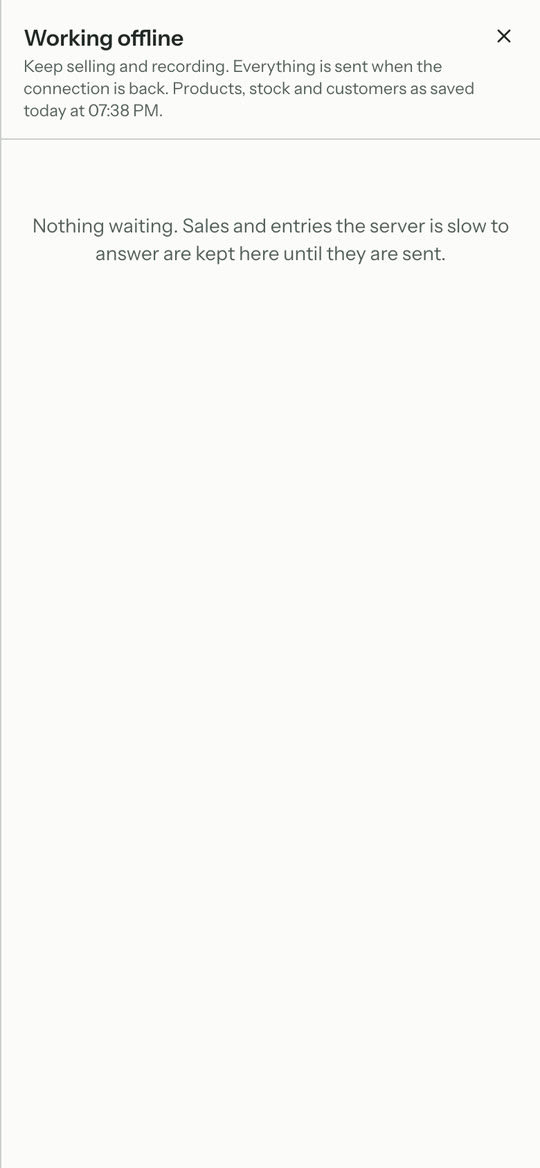
Working offline: what is waiting to be sent
When the signal comes back
Bizic sends what was waiting by itself, and the lists update. Nothing to tap.
Last change, 4 November 2026: First version. Products and the till now open offline, with the time they were last updated.
Still stuck?
Tell us what you were trying to do. A real person reads every message.