Let customers book from a link
Your online page shows your service menu and free times. Share its link on WhatsApp, Instagram or your shop sign, and customers ask for a time themselves.
Find your link
Open More and tap Online page. The top says whether it's Published (anyone with the link can see it) or Not published (only you can).
Opening your online page 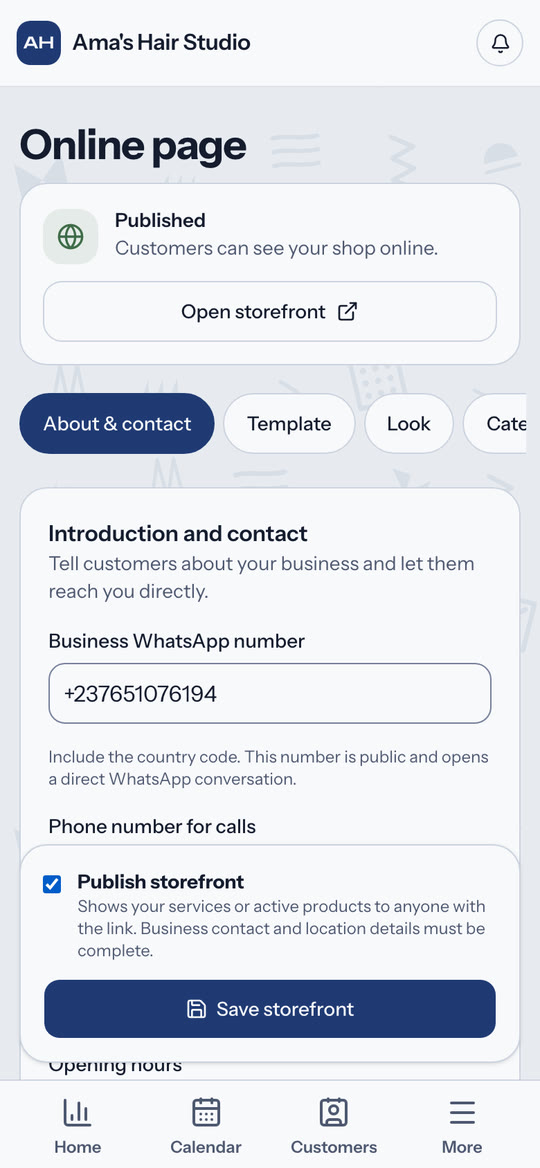
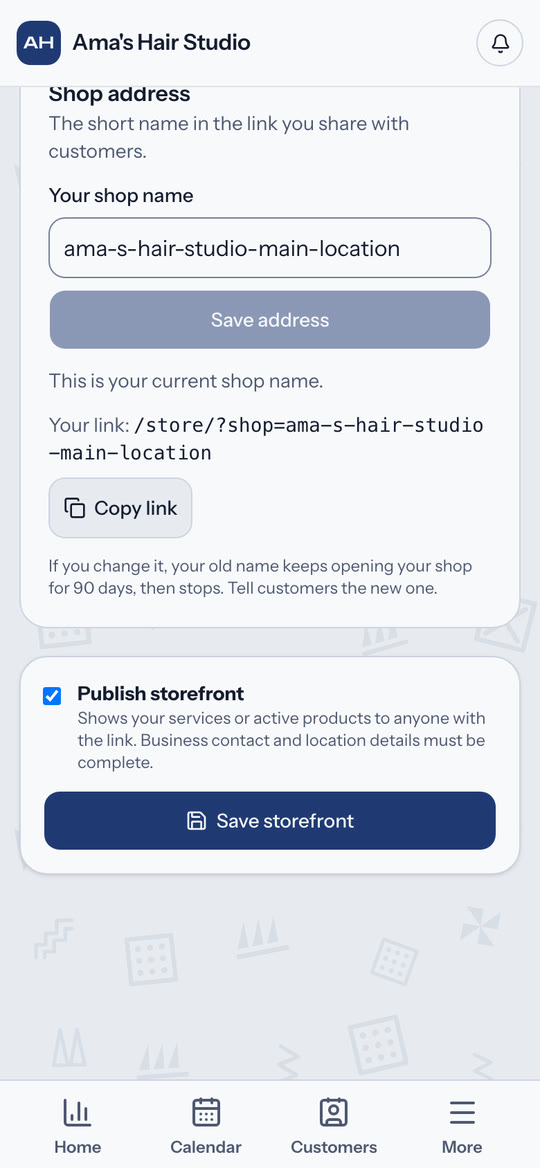
Your online page settings Tap Link. Your link is the address customers open. Tap Copy link and paste it into your WhatsApp status, your Instagram bio or a message.
Your link, ready to copy
Want a shorter name in the link? Type it under Your shop name and tap Save address. Your old link keeps working for 90 days.
What customers see
Your page shows your services with prices and photos, your locations and a way to reach you.
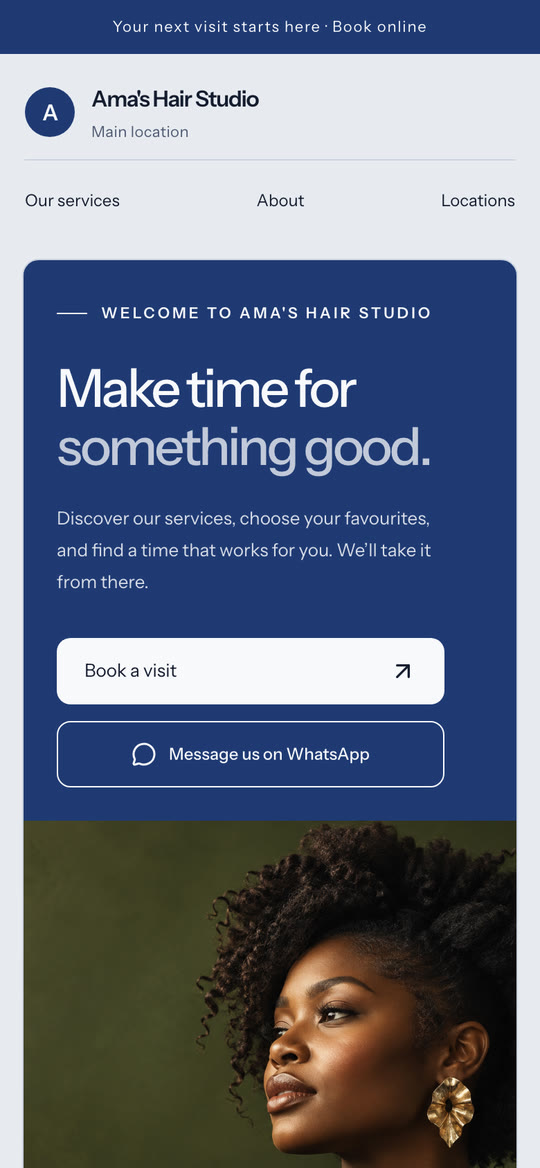
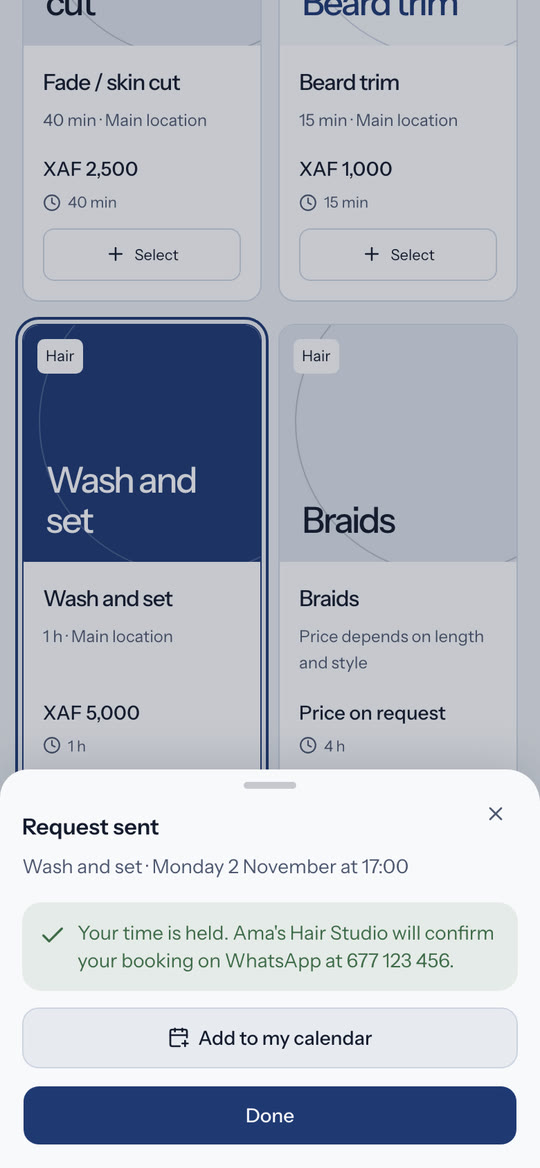
To book, a customer taps one or more services, then Choose a time. They pick a day and a free time, type their name and WhatsApp number, and tap Request. Bizic only offers times when you're open and someone is free.
They see Request sent, and the time is held for them until you answer. Next: approve or decline the request.
Before you share it
Every service a customer can book needs Show on my storefront ticked. See set up your services and prices.
Your hours decide which times are free. Set them under Staff & hours (or Working hours if you work alone). See set your hours.
Under About & contact, add your WhatsApp number, so customers can message you from the page.
Tick Publish storefront at the bottom and tap Save storefront.
Last change, 1 November 2026: First version, with a customer booking from the link.
Still stuck?
Tell us what you were trying to do. A real person reads every message.