
Put Bizic on your phone's home screen
Bizic opens from a link, but it works best as an icon on your home screen: full screen, one tap away, and it keeps working when the internet drops.
Android (Chrome, Samsung Internet)
Open Bizic in your browser and sign in.
Open More and tap Install app. Chrome asks "Install Bizic?". Tap Install.
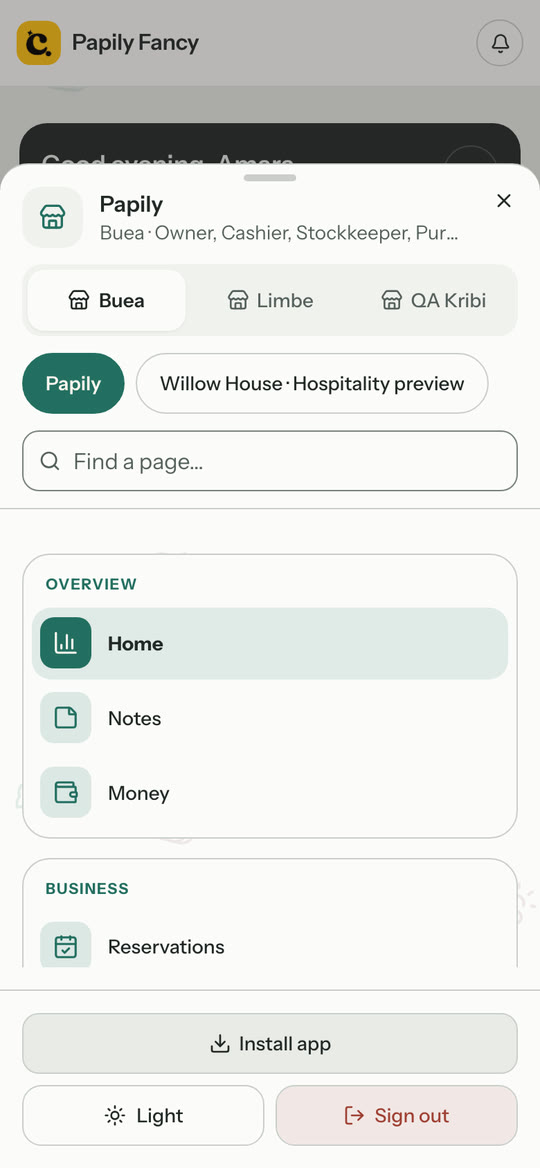
Install app, at the bottom of the More menu
No Install app button? Tap the browser menu ⋮ and choose Install app or Add to Home screen.
iPhone and iPad (Safari)
Open Bizic in Safari and sign in.
Tap Share (the square with an arrow), in the bar at the bottom of Safari. On an iPad it's at the top right.
Scroll down the list and tap Add to Home Screen, then Add.
Bizic shows these steps too: open More, tap Install app, then Show me how.
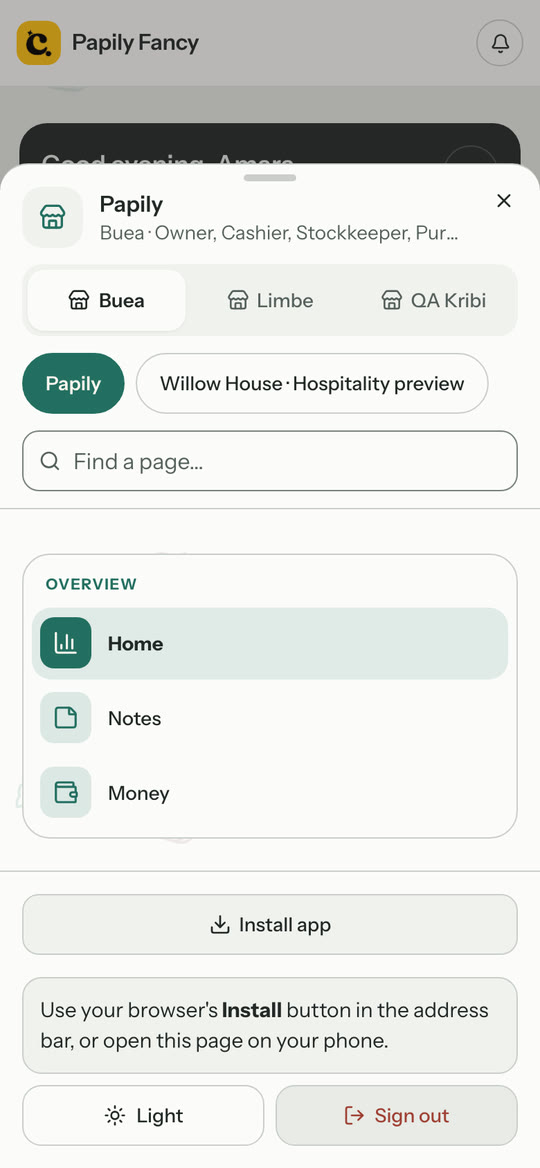
Opened from WhatsApp?
A link opened inside WhatsApp, Facebook or Instagram can't be installed from there. Tap the menu in that app and choose Open in Chrome (or Open in Safari), then follow the steps above.
Last change, 1 November 2026: First version, for Android and iPhone.
Still stuck?
Tell us what you were trying to do. A real person reads every message.